Posts

Photo Collage with Text Features

Image
I found this assignment fun, these are my brain cells in my head and outlining my crazy though process, It was fun to see it come together. I loved that I got to be creative with how I displayed myself.

Classical Painted Portrait

Image
This is Comet, he is the subject for my portrait, I applied the palette knife filter and I think he looks very adorable. I did adjust how painted it looked, and made it more blotchy to look more painterly.

Creative Blurring

Image
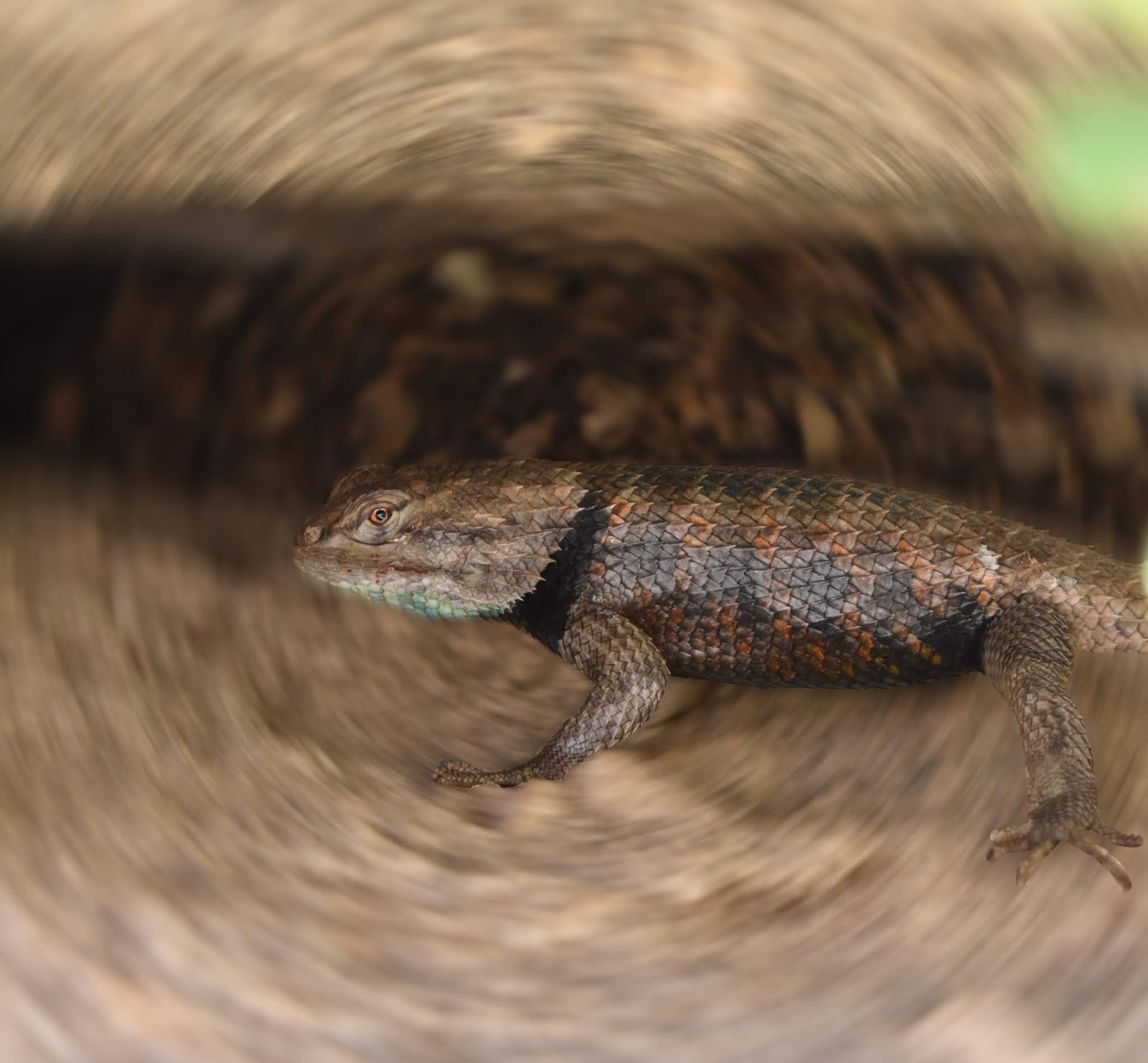
For this assignment I chose  one of my favorite photos Ive taken, this lizard. I climbed some rocks to get to him and he is just perfectly in focus and shiny and blue and its my favorite and yeah. I used the radial blurring to get the nice circular effect. It really makes the lizard pop out.

Portrait Montage Using Different Backgrounds

Image
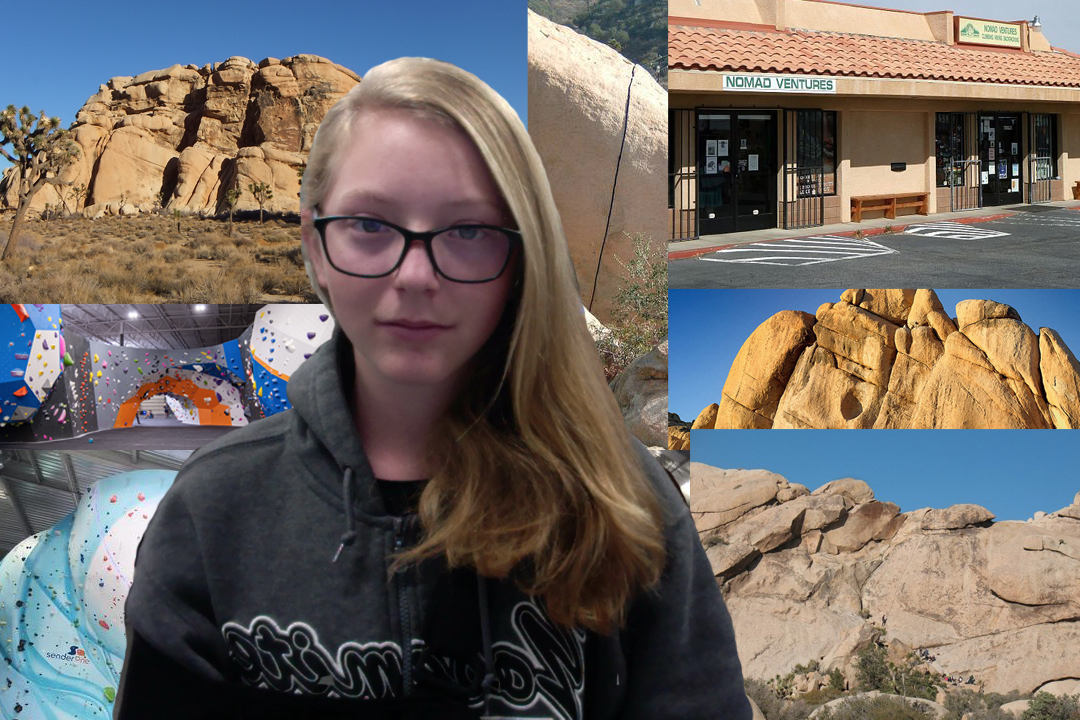
     The Portrait Montage was an assignment that we had to cut ourselves out of an image and create a new background for our image. I chose places that I wished I were. Climbing Gyms, Joshua Tree, And one of my favorite stores, Nomad Ventures.

Self Portrait Montage With Different Filters

Image
This project was to use photo-booth and make yourself look weird with many different filters then put them together in a collage. I think it looks weird and freaky but cool. I don't think I will use these filters again though.

Evolution

Image
For this I chose to get 3 horse's and make an evolution of a horse from a foal to a jumper. I think this turned out well and the hardest and most time consuming part was actually the background. I had to choose 3 images and create a believable timeline of the object/thing.

Extra Art

Image

Art Addition To Masterpiece

Image
This was my Art Addition to masterpiece, i added my face to the girl with the pear earring, I look super dead because I took the photo of my face in the morning. It turned out okay, just not my favorite piece.

Repetition used in a Creative Way

Image
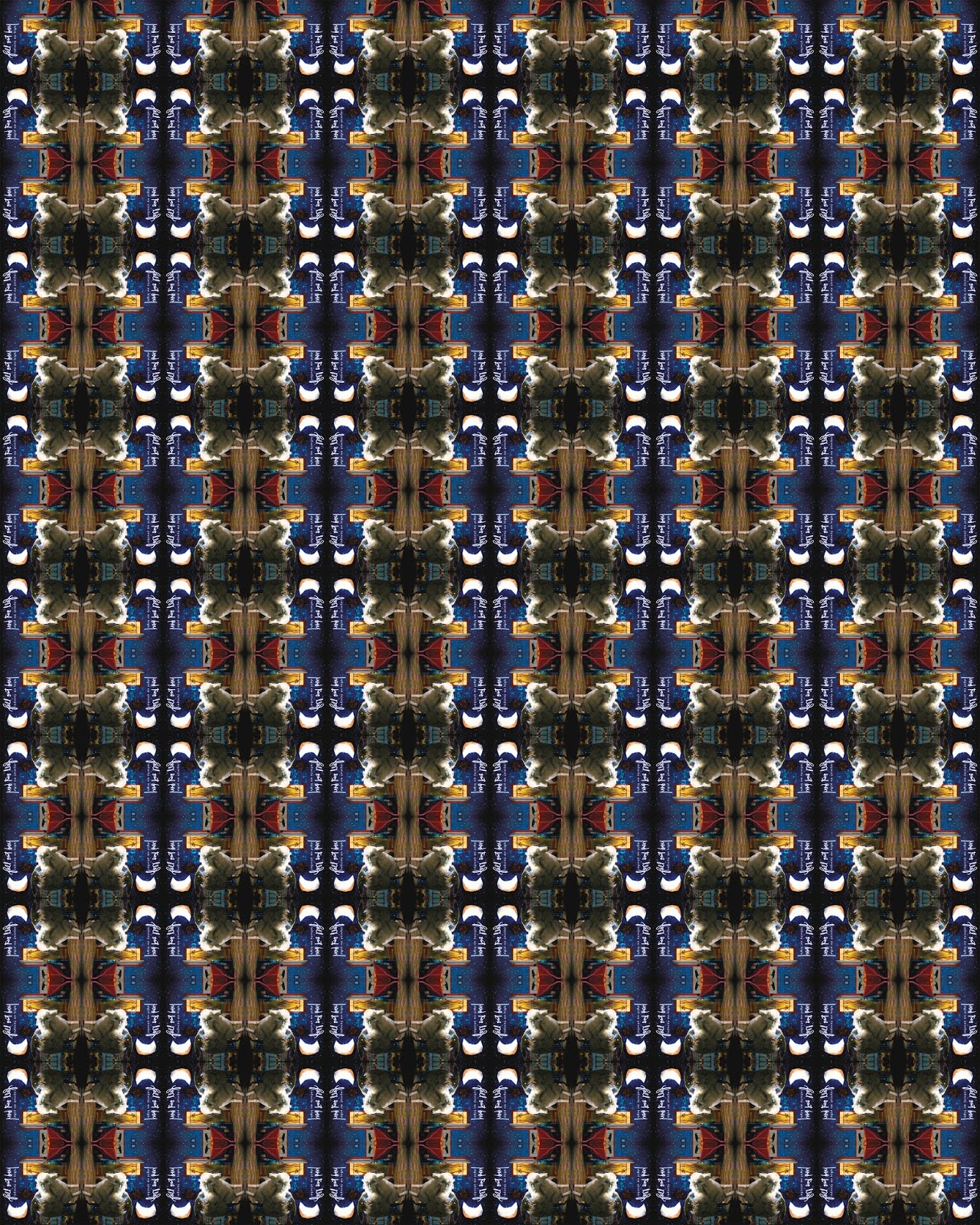
I chose to repeat the album cover of Infinity On High, my favorite Fall Out Boy album. It looks cool and like a mosaic from afar. The actual album cover has a sheep on it and looks like this: I flipped and rotated the layers and I think it looks really awesome.

Look Who is In our School!

Image
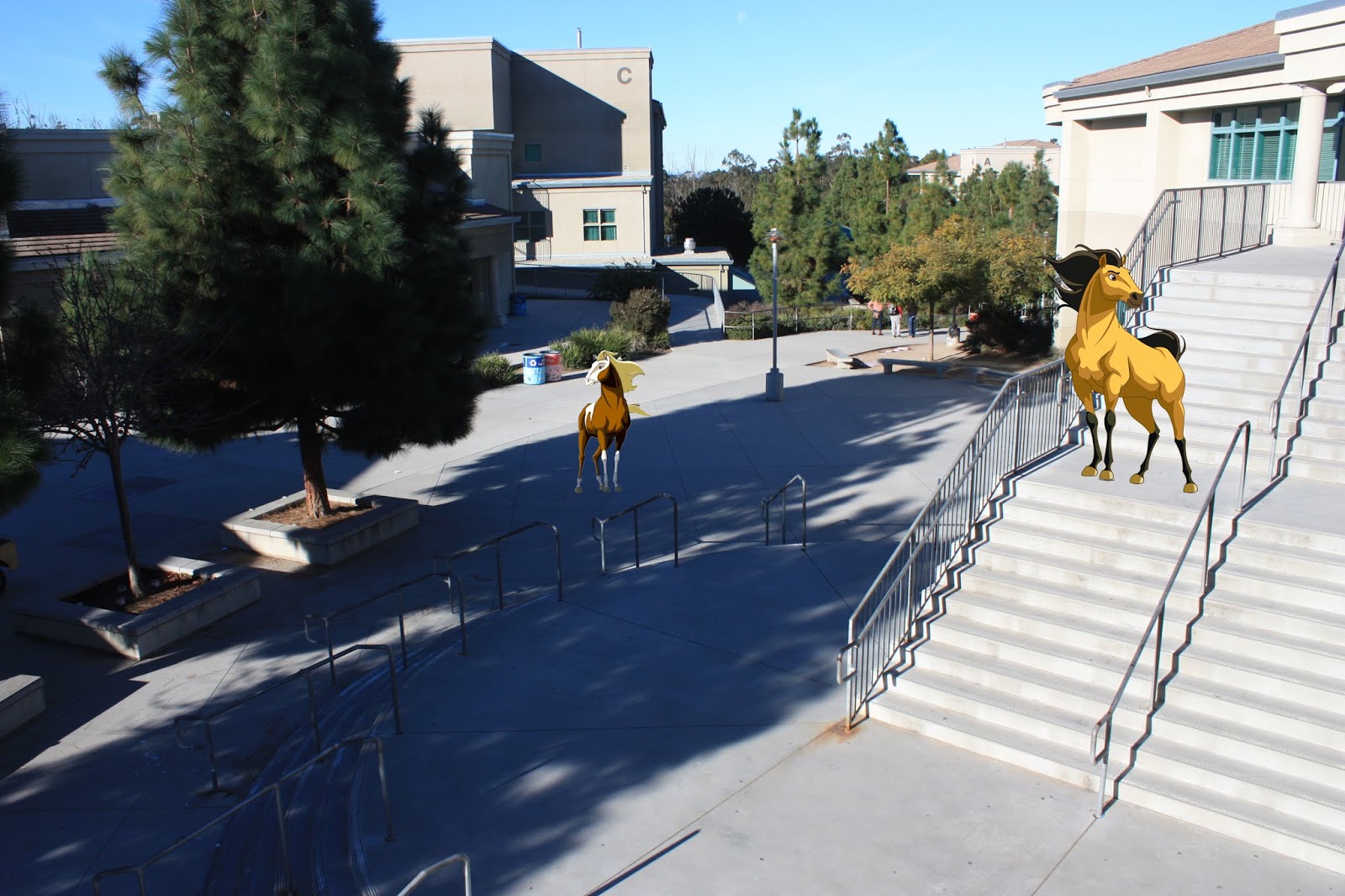
I decided to choose to add in Spirit and Rain. They are horses from my favorite movie that was basically my child. I really wish they would come to marshall and the real world!

Disproportionate Landscape

Image
This is my surrealist landscape, I chose to make a forest scene with a couple of people, a guardian fox, pterodactyls, and Ned. Ned is the blue cute monster thing in the background. Ned's reality is that people are very very small and that the fox, Helga, is the protector of the forest. the pterodactyls, named Billy. bob, and joe, are the last of their kind and are very sad about that. the people are wildness explorers trying to find the spring of youth.  This project is about creating something disproportionate, and making it look strange.

Extra Art

Image

Hybrid Creature

Image
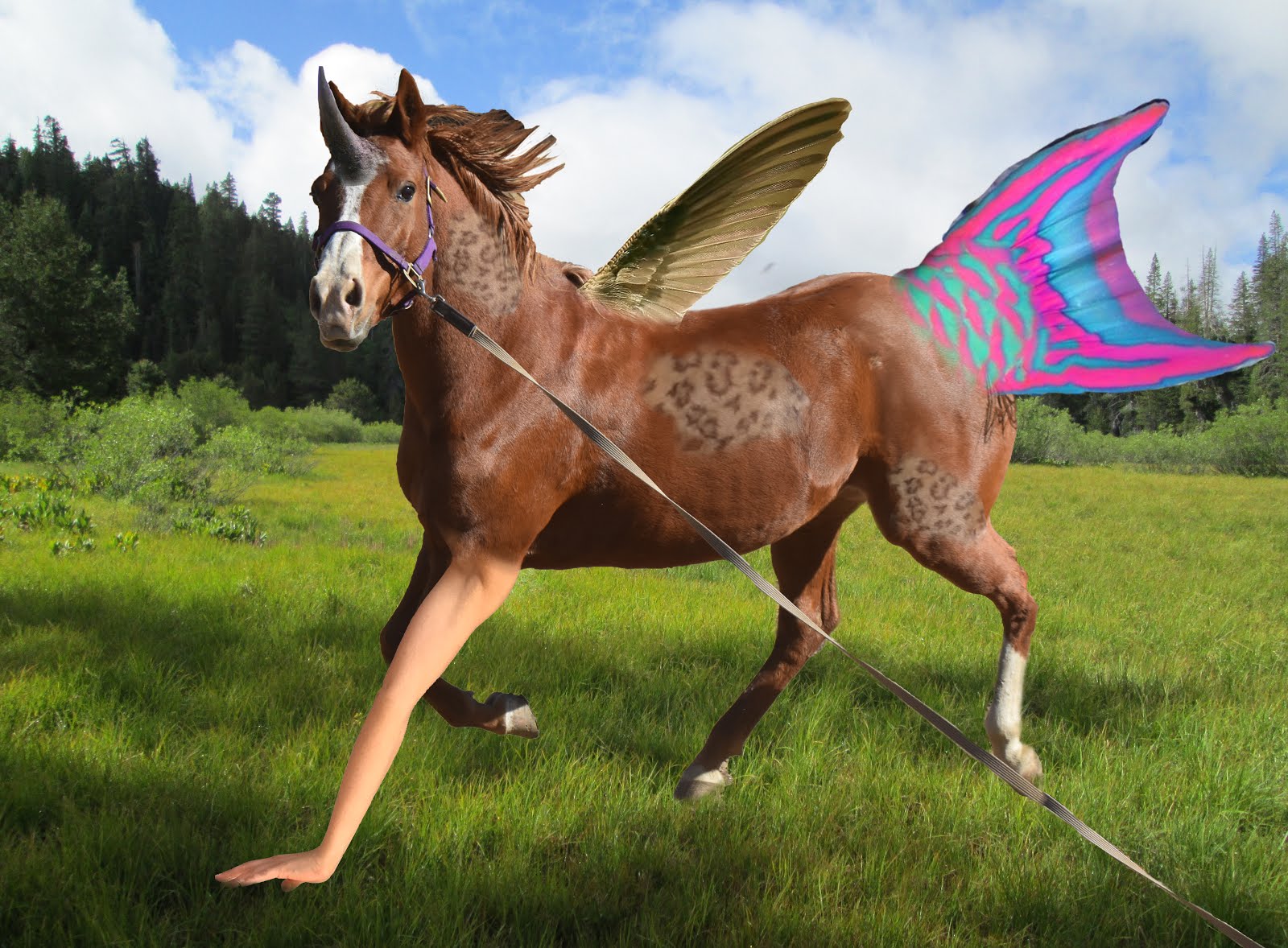
This fun project I got to create a hybrid animal, I combined a bird, fish, human, rhino, and snow leopard to create a new animal. My favorite part is the human arm on the horse, it looks so freaky but it fits so well. I have decided to name this new species "Ambiaquatic Birds".

Decorate an Empty Room

Image
This project was really fun,  I shoved a ton of posters in the room, which I would if I had all those posters. the only thing I probably will go back and change is adding shadows as currently it looks kind of unrealistic. also cutting out all the images was painstaking and time consuming.

Colorize a Black & White Ansel Adams Image

Image
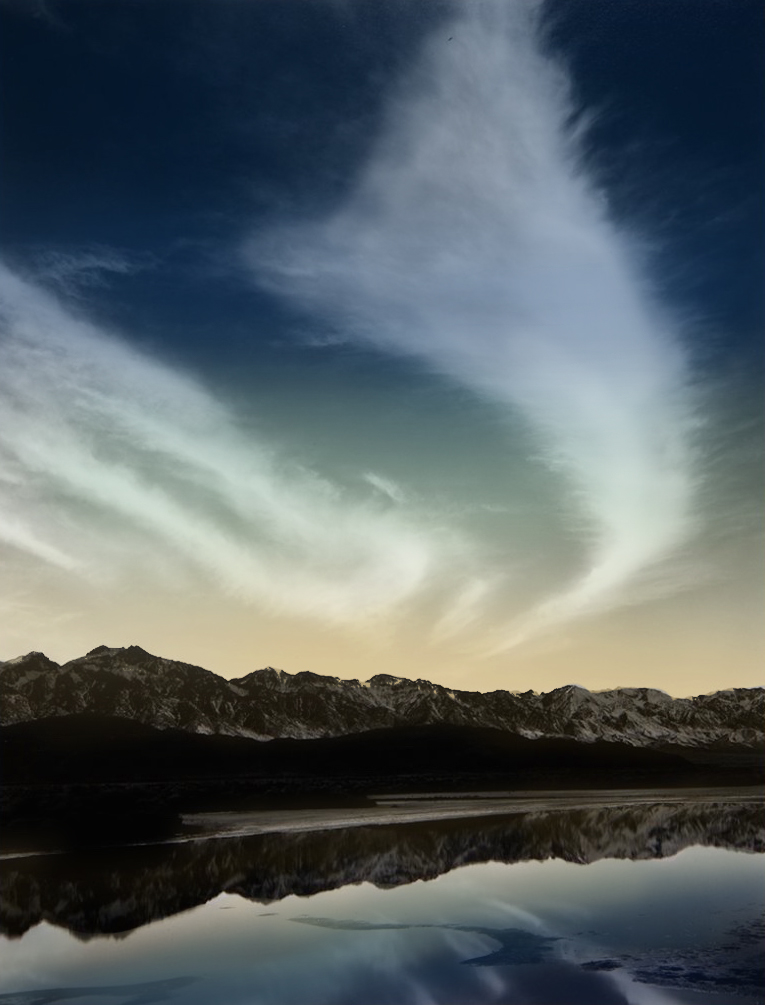
This assignment was the same as the former, the most difficult part for me was actually finding the photo, I think this coloring would look like how the image originally looked like, the reflection was hard to do because I had to be careful to not color on the mountains.

Colorize a Black and White Image

Image
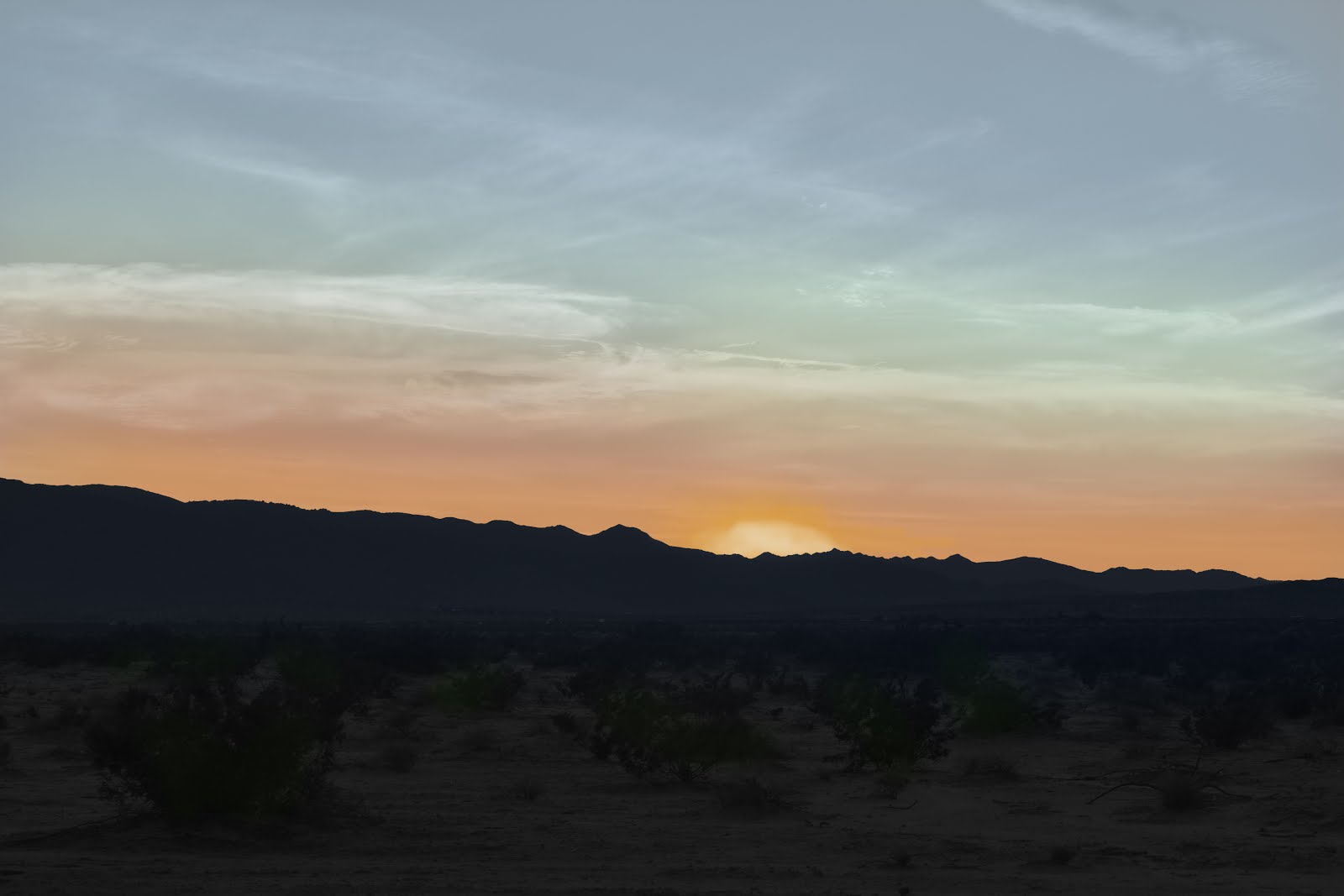
For this project I had to take an image, greyscale it, then recolor the image. I chose to use a photo of a sunset I took in Joshua Tree over break. I found this fairly easy as I just used a low opacity brush and blended colors to look like a sunset.

Picasso-esque Cubist Digital Portrait

Image
This project was to create a Picasso-esque digital portrait. I took faces and created an image that showed the side and front view of the person. I chose to use another color of hair for one side and create an eye. I like how this turned out and I think it looks semi like a Picasso portrait.

Surrealist Digital Portrait (Fruit/Vegetable

Image
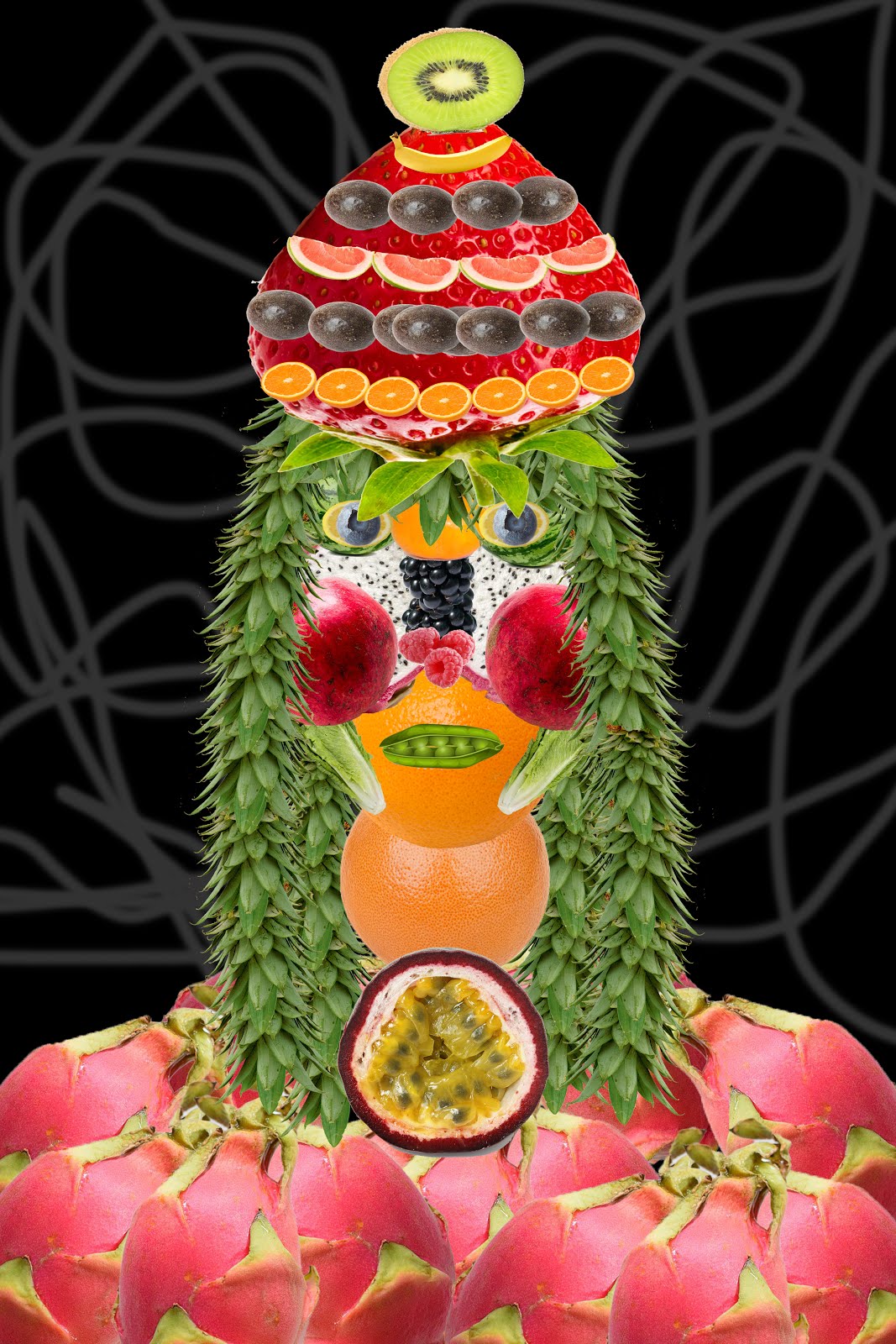
This Project was to create a person out of food and vegetables like  Giuseppe Arcimboldo . He was a painter in the renaissance and was way ahead of his time. I used an absolute ton of fruit and had to cut them out from a background which was quite time consuming.

30 Day Photo Challenge

Image
Day 1: Self Portrait 12/9/18 Day 2: What you Wore Today 11/19/18 Day 3: (Dust) Clouds 11/20/18 Day 4: Something Green 11/21/18 Day 5: Morning Sky 11/19/18 Day 6: From a Low Angle (Worm's Eye View) 11/23/18 Day 7: Fruit 12/8/18 Day 8: Bad Habit 11/24/18 Day 9: Someone You Love 11/20/18 Day 10: Childhood Memory  10/20/18 Day 11: Something Blue 11/20/18 Day 12: Sunset 11/18/28 Day 13: Yourself with 13 Things 12/1/18 Day 14: Eyes 11/25/18 Day 15: Silhouette 10/20/18 Day 16: Long Exposure 12/11/18 Day 17: Technology 11/29/18 Day 18: Your Shoes 12/1/18 Day 19: Something Orange 11/18/18 Day 20: Bokeh 12/11/18 Day 21: Faceless self-portrait 12/3/18 Day 22: Hands 11/19/18 Day 23: Sun-flare 11/15/18 Day 24: Animal 11/20/18 Day 25: Something pink 12/9/18 Day 26: Close-up 11/22/18 Day 27: From a distance 11/22/18 Day 28: Flowers ...

Surrealist Digital Landscape

Image
This Project was to create a surreal digital landscape.