Posts

Celebrity Photobomb

Image
I chose do put Alex Honnold, a famous and amazing climbing into our very own digital art class. He climbed El Capitan without any gear. I found a picture of him sitting down and in a shirt (which was surprisingly hard as he climbs shirtless a lot) and cropped him out and plopped him next to Simone.

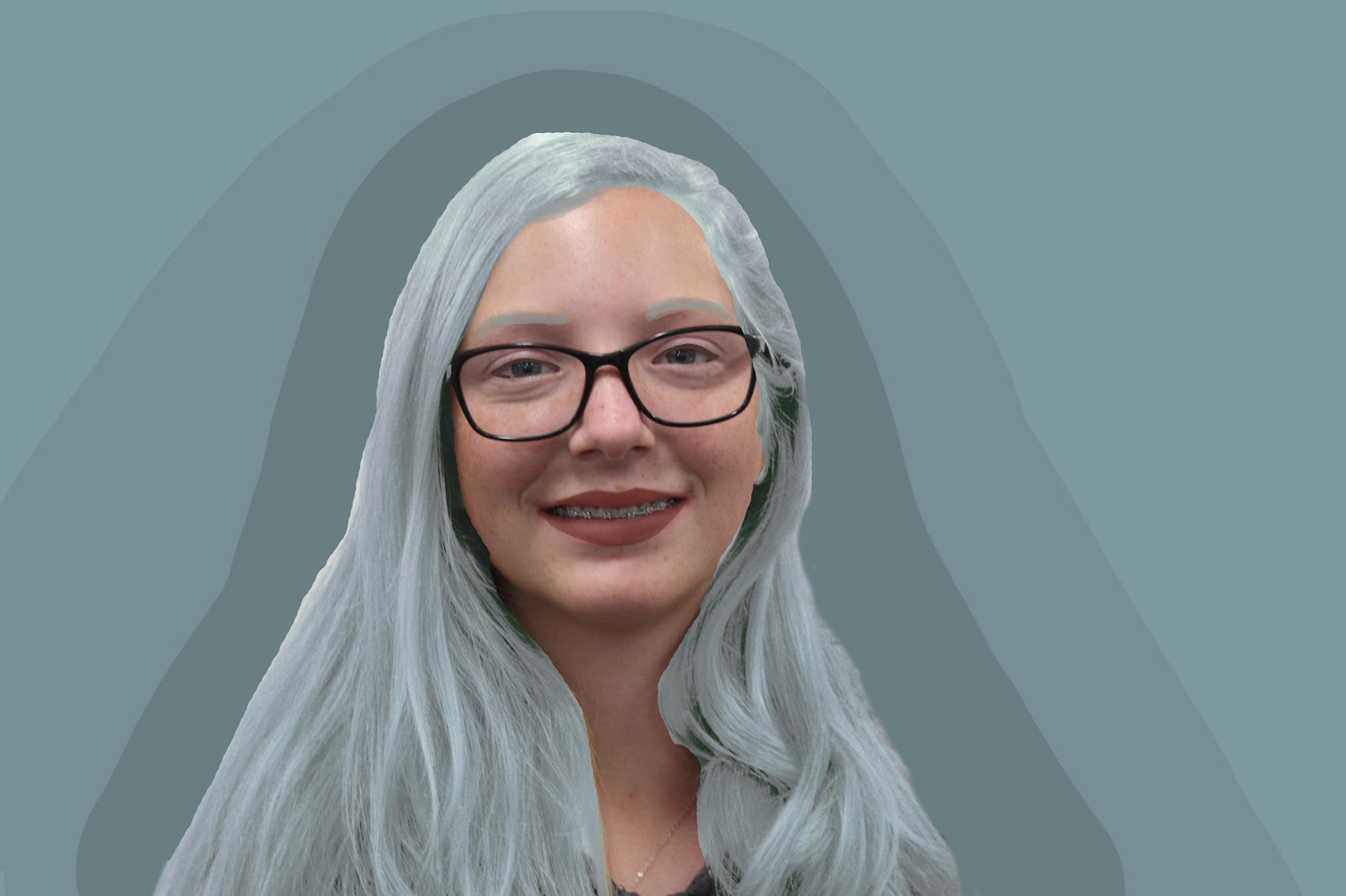
Contour around Face

Image
I found this project very like the where's waldo assignment a while ago, It was the same sort of process. Find images, cut out the background, and arrange in an image.

Makeover

Image
For this makeover I gave myself some eyeliner, lipstick, and blue hair. for the blue hair I used the color replace tool and made different layers of the hair to make it look natural.

Cartoon Head on Regular Body

Image
This assignment was really fun, I cut out myself and deleted my head. I made the base of my skin, and then the hair. I was not sure what to do for the features so I made it look very creepy. To add to the creep factor I created a dark and forbidding background. It looks like I stepped out of a demon dimension.

Hybrid Cartoon Character

Image
This assignment was to create a hybrid cartoon character. I chose Tweety Bird, Micky Mouse, and Charlie Brown. I found this assignment easy, but the hardest part was actually choosing the characters. I think it turned out well.

Colorized Drawing 2.0

Image
This Project was super fun, It was like the previous on that we did, I just liked how this one turned out more. I did aid myself with smoothing out my lines and circles. I then colored it in. I am really happy with this final project.

Gif

Image
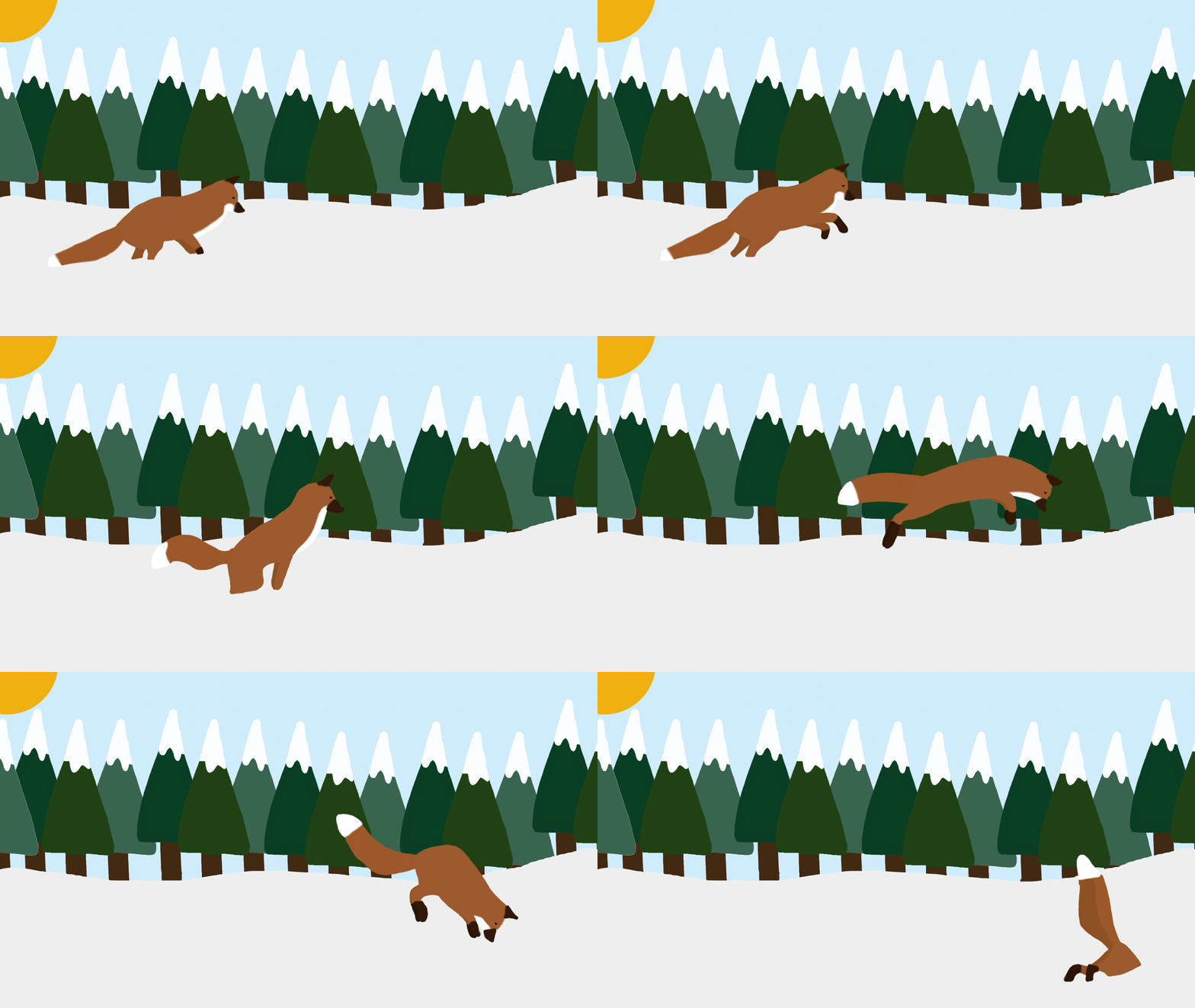
This assignment was HARD! at the end I had 37 foxes that I drew. One of the most annoying parts was making the jpeg layers to put in photoshop. I love the end product though!

Candyland

Image
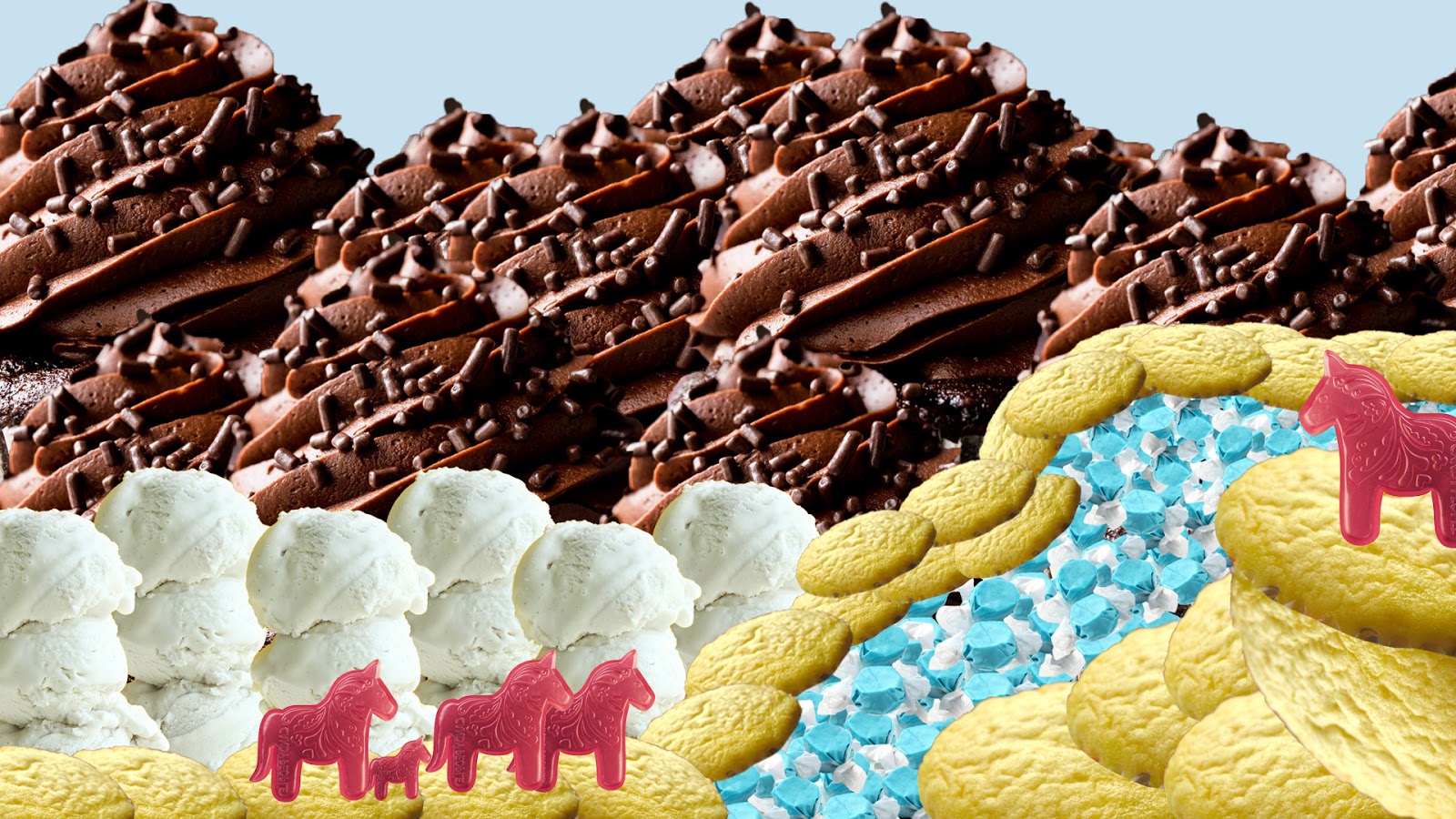
For this assignment I chose to make a chocolate cupcake mountains with a saltwater taffy river. Wild gummy horses wander around this sweet landscape. Did you sea what I did there? My puns are un- bear -able. Im not funny.

7 Wonders of the World

Image
I chose to plop myself at the base of Mount Everest. I took a picture and cut myself out and shadowed and lightened myself to fit at the base of everest. I may or may not have added sunglasses.

Panorama Assignemnt

Image
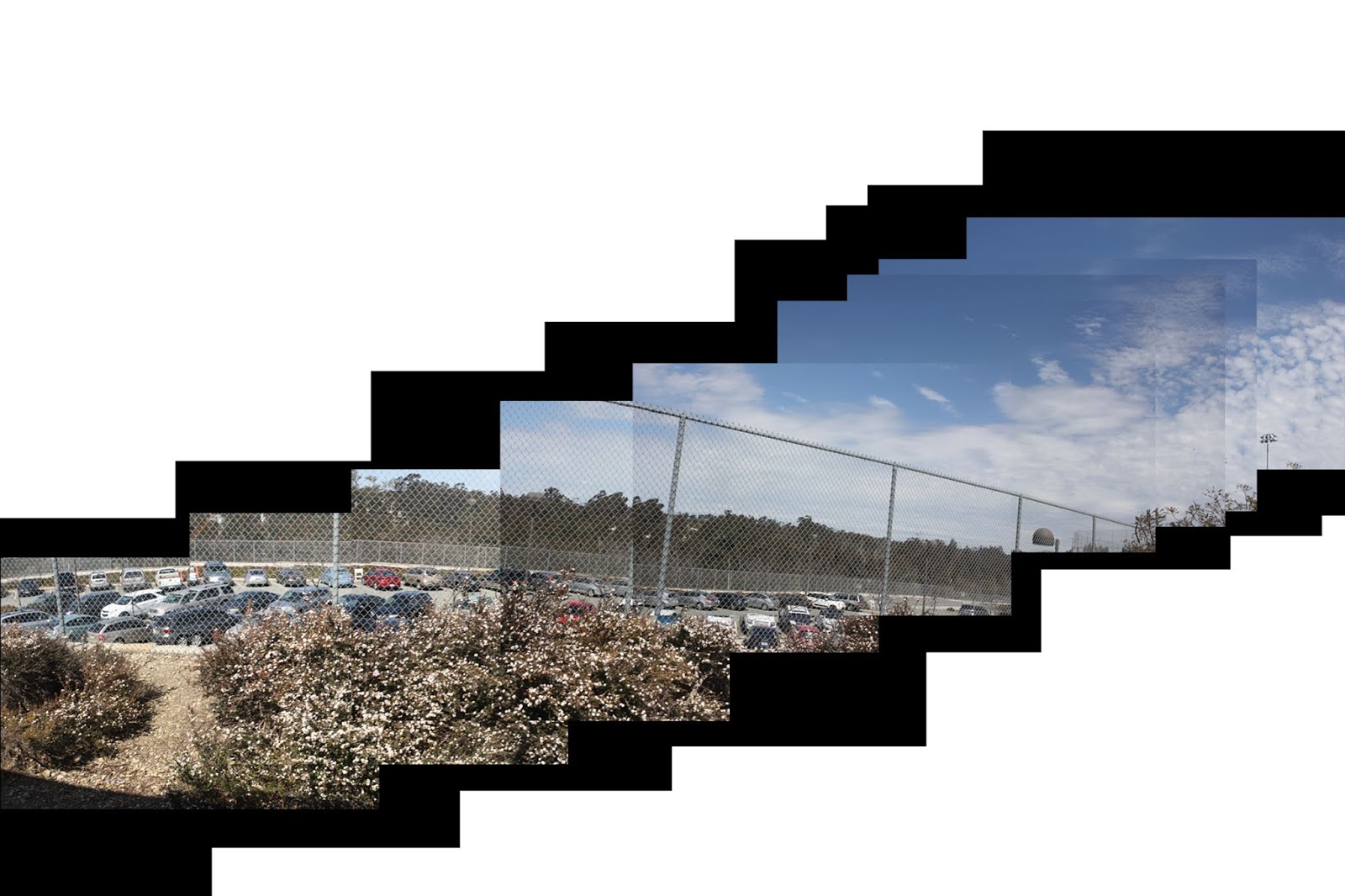
This is the panorama assignment. I had to create a panorama from taking a series of images and connecting them. I found this to be one the hardest assignments as it was tough to line up the shots perfectly. I added the black background to make the image pop.

Retouching a Face

Image
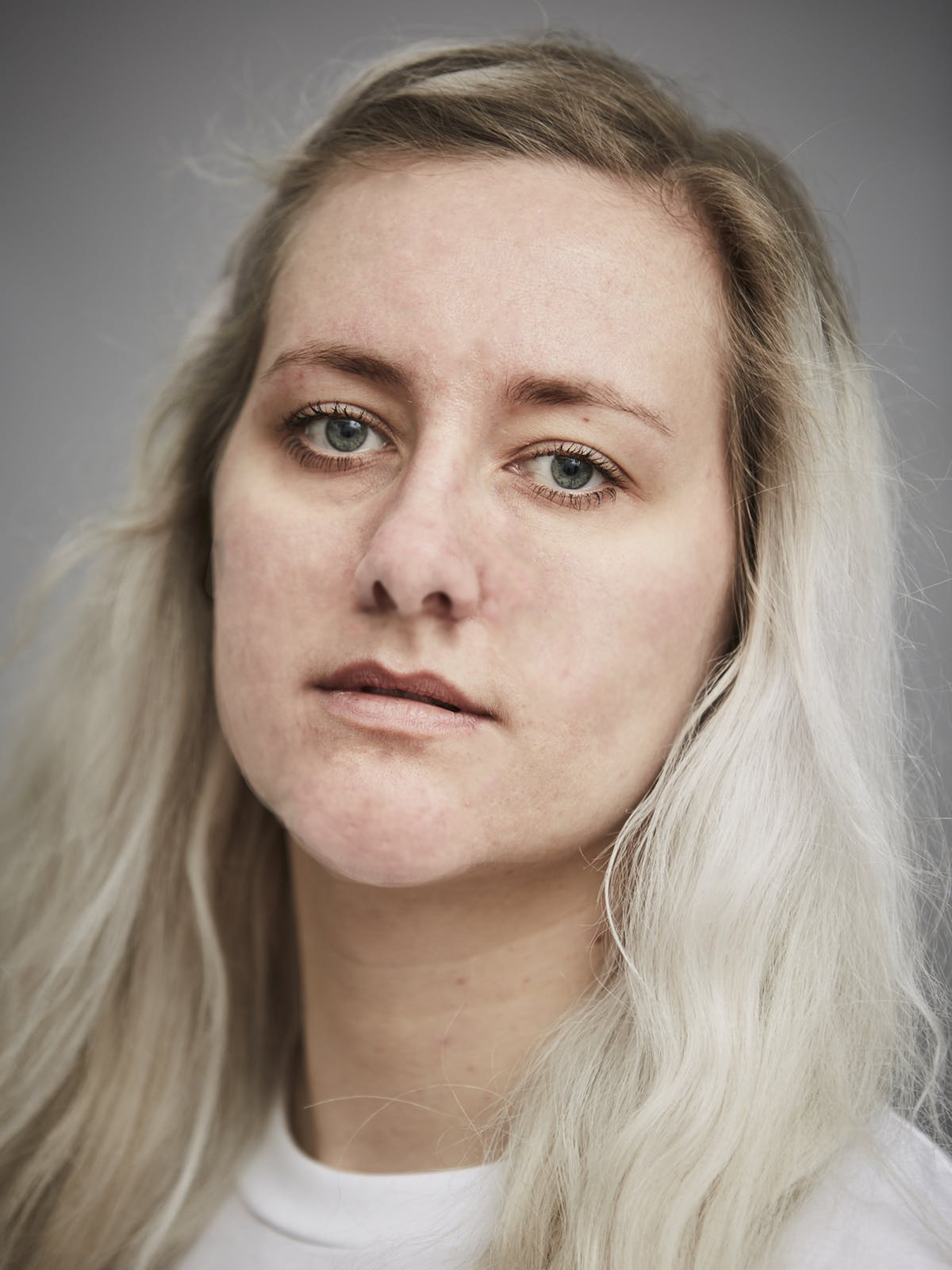
The one I retouched is the top one; I used the spot heal brush for a majority of this, and blended some low opacity paint on the chin and nose. She looks a lot better and actually looks natural. This skill will be helpful if I do end up following the photographer path as a profession.

Magazine Assignment

Image
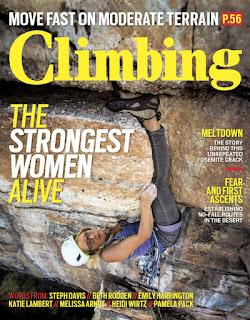
This assignment was like the previous, I had to cut out my face and put it on a magazine. I chose a climbing magazine because I love to climb. That woman is using a toe hook to keep her on the wall. Climbing hard technical stuff outside is something I really want to do.

Jaws Movie Poster

Image
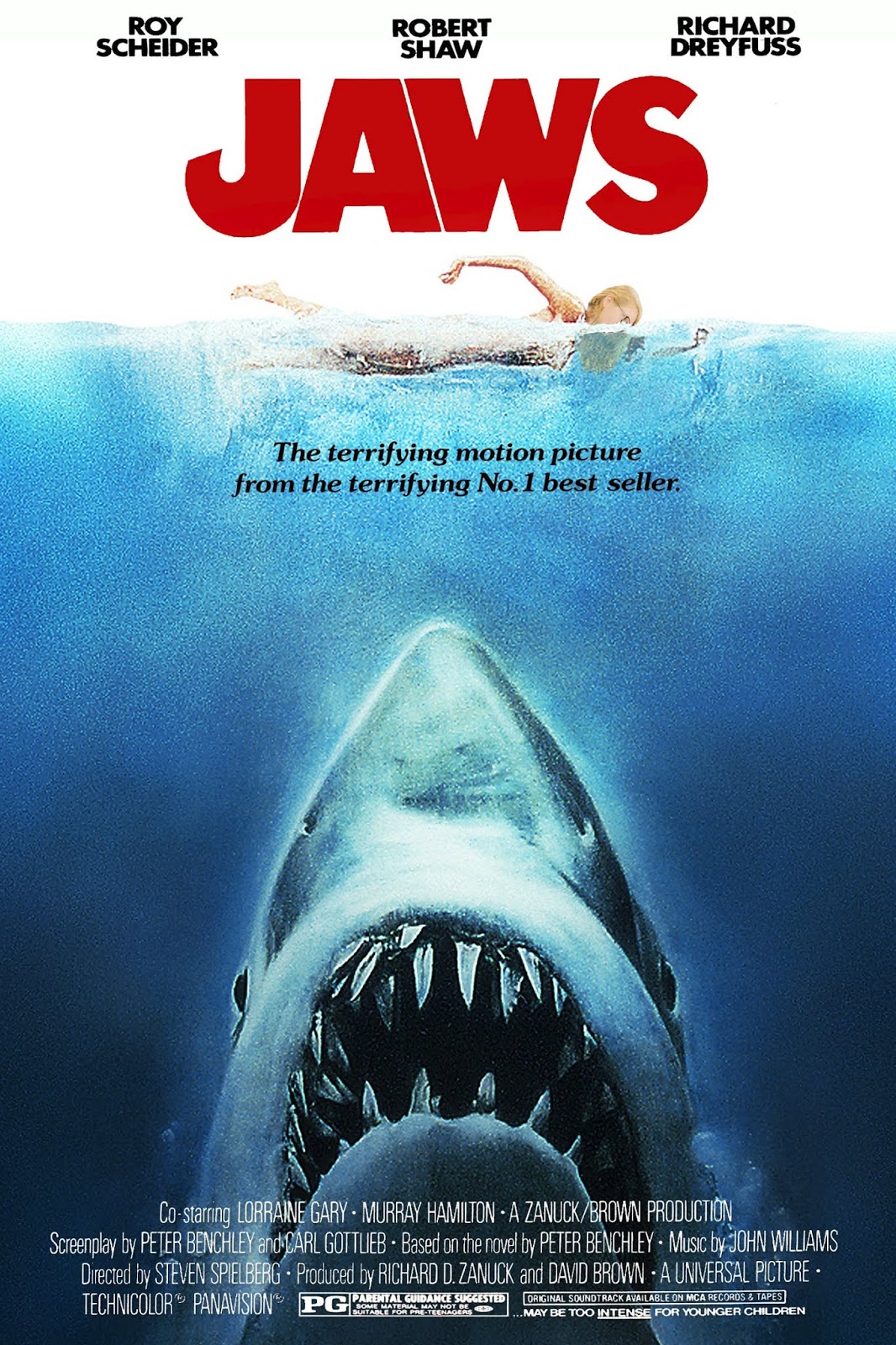
For this assignment we had to put our face in a movie poster. I chose Jaws as it is an amazingly bad horror movie. Yes it may of been terrifying at the time but everything looks so fake and from video production last year I couldn't help but look at the filming and find it a bit funny. Basically I had Lydia take a picture of my head, and then I chopped it off my body and made it noisey and plopped in onto the jaws poster.

30 Day Photo Challenge 2.0

Image
01: Favorite Food 02: Smile 03: Happiness 04: Leaves 05: Morning Sky 06: Books 07: Something Funny 08: Favorite Color 09: Inspiring Person 10: Nature 11: Something Old 12: Hair 13: Written Words 14: Movement 15: Leading Lines 16: Symmetry and Patterns 17: Framing 18: Depth of Field 19: Rule of Thirds 20: Best Friend 21: Where you sleep 22: In your closet 23: Gratitude 24: Something New 25: Animals 26: Worm’s Eye View of Trees 27: Artwork 28: Daily Routine 29: Nighttime 30: Light

Photo Collage with Text Features

Image
I found this assignment fun, these are my brain cells in my head and outlining my crazy though process, It was fun to see it come together. I loved that I got to be creative with how I displayed myself.

Classical Painted Portrait

Image
This is Comet, he is the subject for my portrait, I applied the palette knife filter and I think he looks very adorable. I did adjust how painted it looked, and made it more blotchy to look more painterly.

Creative Blurring

Image
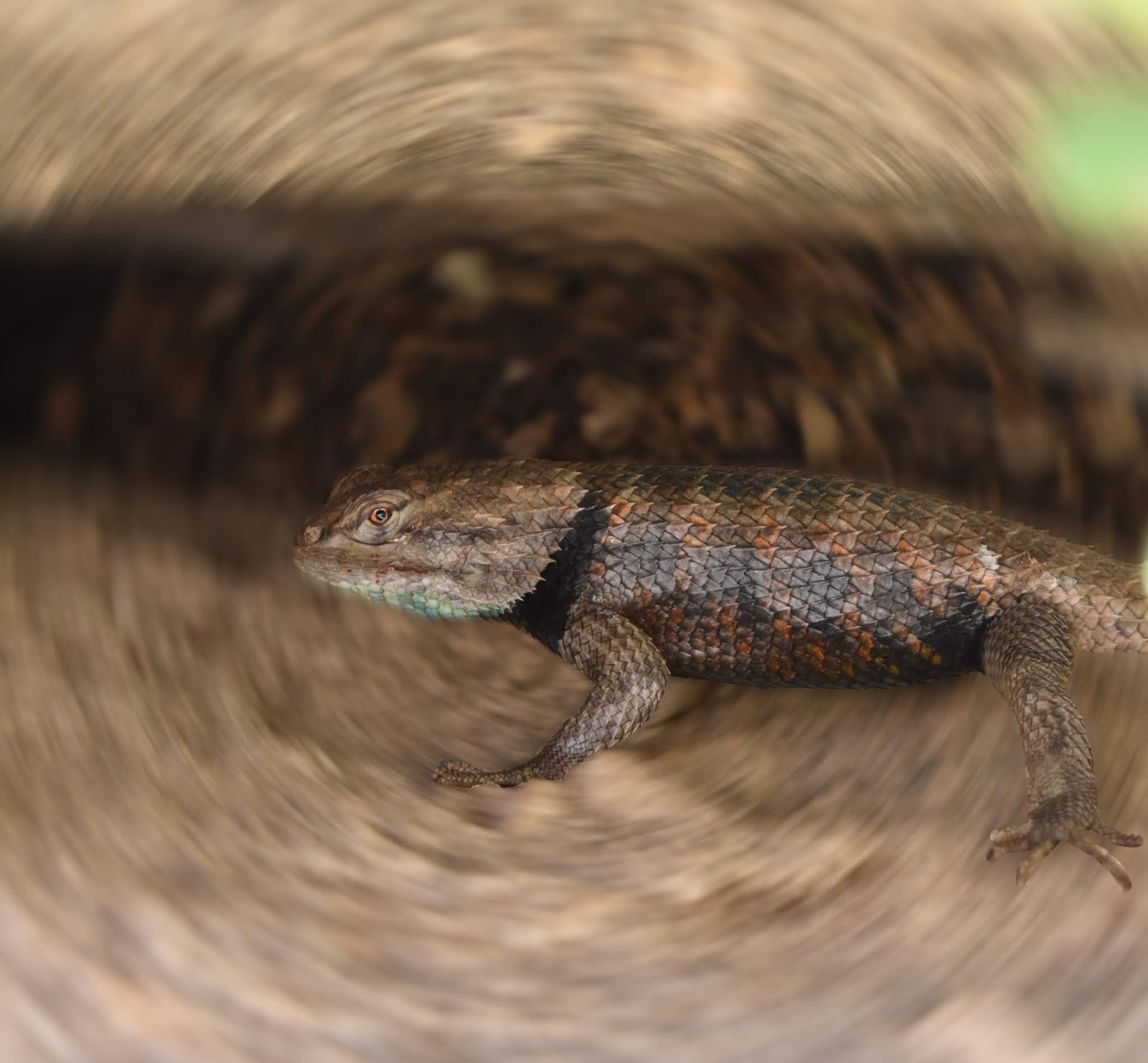
For this assignment I chose  one of my favorite photos Ive taken, this lizard. I climbed some rocks to get to him and he is just perfectly in focus and shiny and blue and its my favorite and yeah. I used the radial blurring to get the nice circular effect. It really makes the lizard pop out.

Portrait Montage Using Different Backgrounds

Image
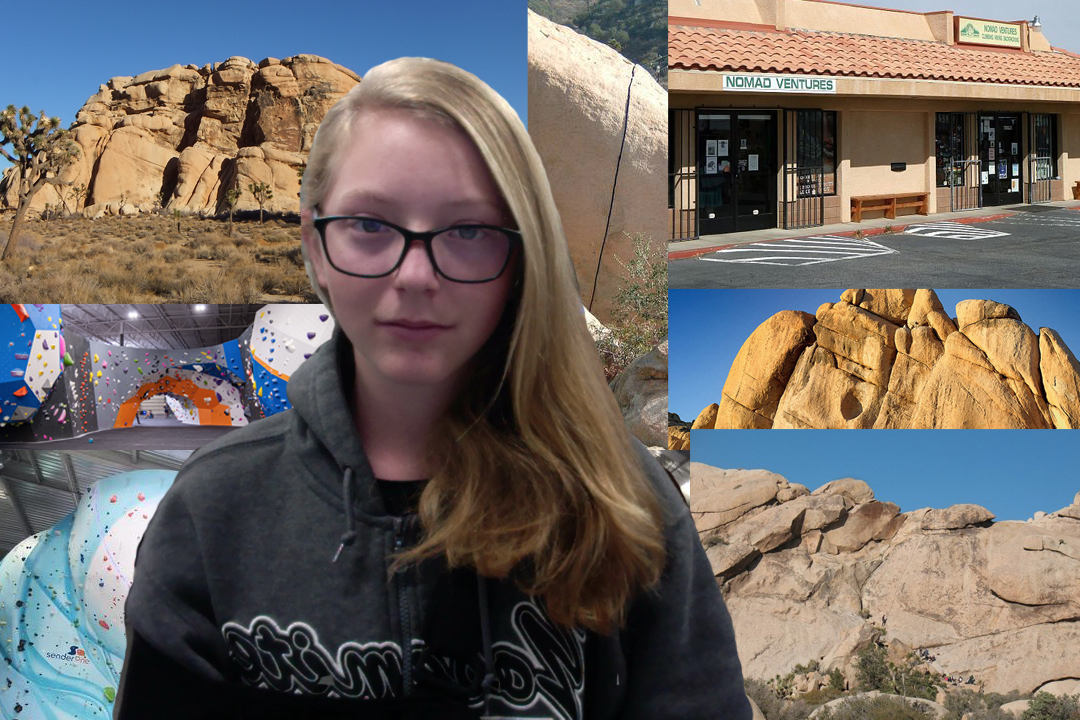
     The Portrait Montage was an assignment that we had to cut ourselves out of an image and create a new background for our image. I chose places that I wished I were. Climbing Gyms, Joshua Tree, And one of my favorite stores, Nomad Ventures.

Self Portrait Montage With Different Filters

Image
This project was to use photo-booth and make yourself look weird with many different filters then put them together in a collage. I think it looks weird and freaky but cool. I don't think I will use these filters again though.

Evolution

Image
For this I chose to get 3 horse's and make an evolution of a horse from a foal to a jumper. I think this turned out well and the hardest and most time consuming part was actually the background. I had to choose 3 images and create a believable timeline of the object/thing.